> ## Documentation Index
> Fetch the complete documentation index at: https://mooncamp.com/docs/llms.txt
> Use this file to discover all available pages before exploring further.
# Goal Explorer
> An overview of the Mooncamp goal explorer
The goal explorer is a tool that serves **four main purposes**:
Admins or workspace owners can create specific views that should be available to all employees.
Users with sufficient permissions can publish views as [public links](/public-links) that are accessible to people outside the workspace.
Users with sufficient permissions can embed views in other apps.
Users can export filtered goals as CSV files.
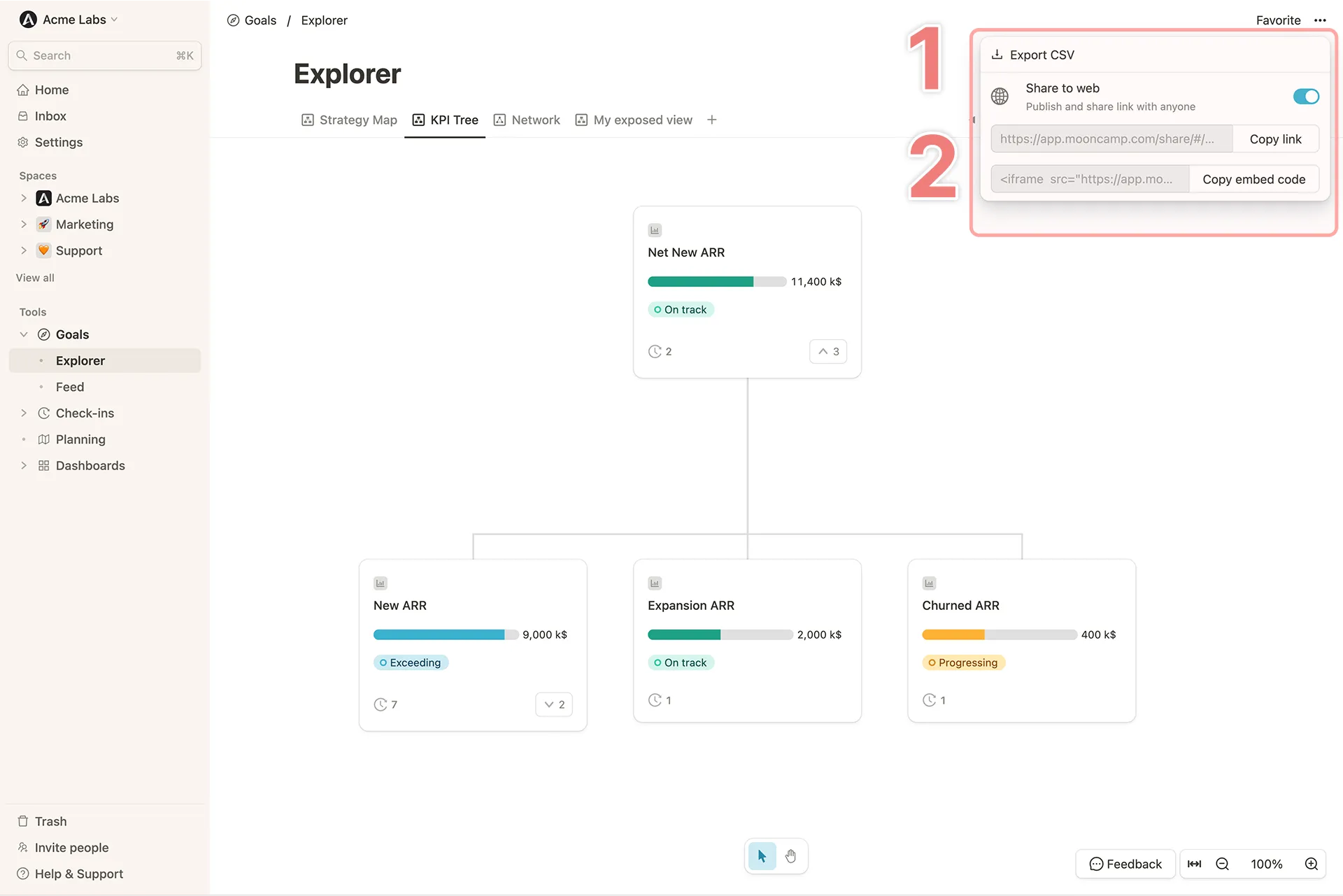
To access the goal explorer, navigate to the **Goal Explorer** tab in the left sidebar. If you want to export a specific filtered view of your goals as a CSV file, you can do so by clicking the ellipsis `...` in the top right corner of the goal explorer and selecting **Export as CSV** (`1`). Similarly, you can publish a specific view as a [public link](/public-links) or embed it in other apps by switching the `Share to web` toggle on and copying the link or embed code (`2`).