> ## Documentation Index
> Fetch the complete documentation index at: https://mooncamp.com/docs/llms.txt
> Use this file to discover all available pages before exploring further.
# Goals Overview
> Navigating goals on company, team and individual level
You can access various views of Goals in the sidebar:
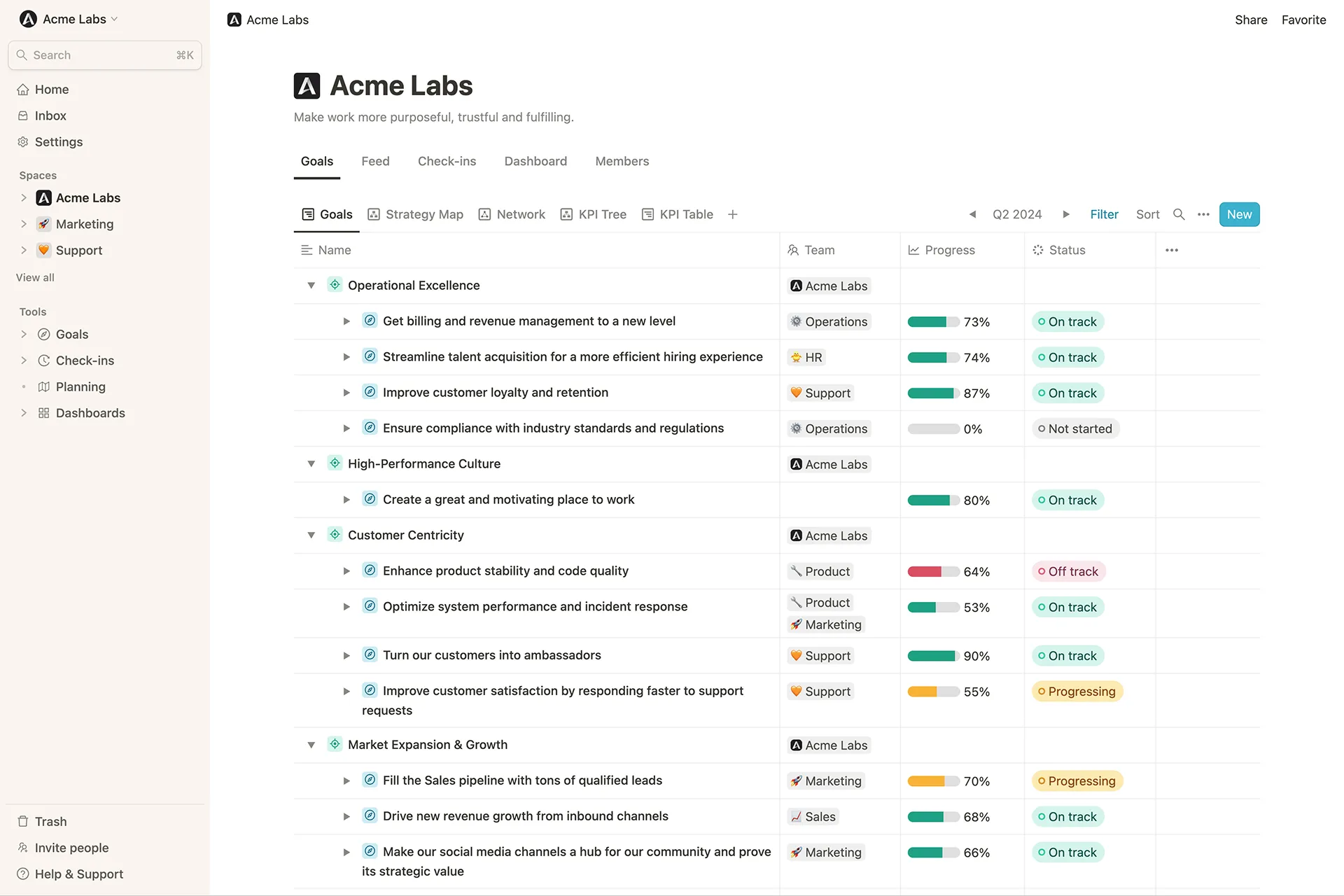
* The teamspace of your organization, your team, as well as other teamspaces
* Your homepage
* Goal Explorer
### Teamspaces (organization and subteams)
 ### Homepage
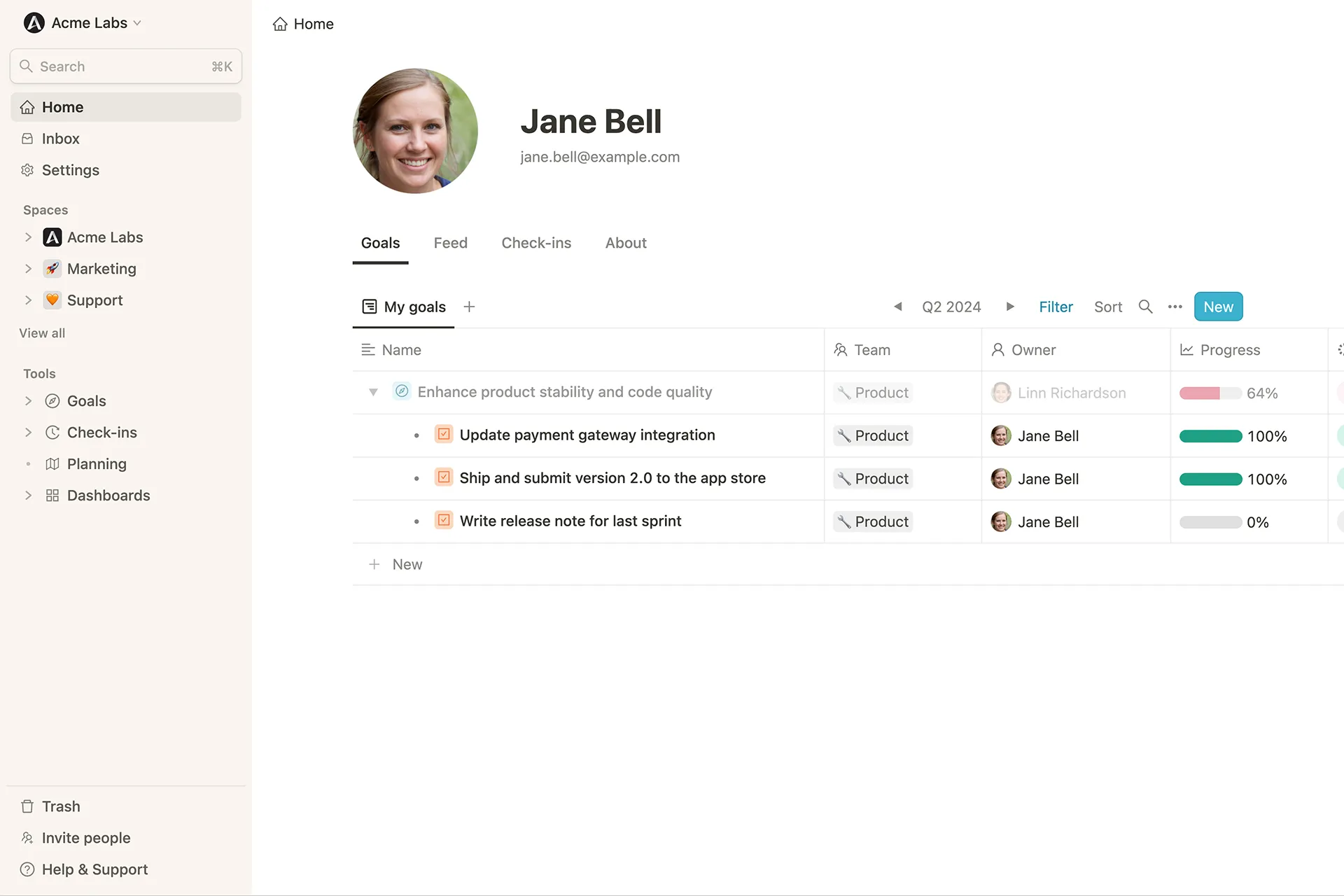
Here you can see all goals assigned to you at a glance. You can also use filters to define which goals should be displayed on your own homepage.
### Homepage
Here you can see all goals assigned to you at a glance. You can also use filters to define which goals should be displayed on your own homepage.
 ### Goal Explorer
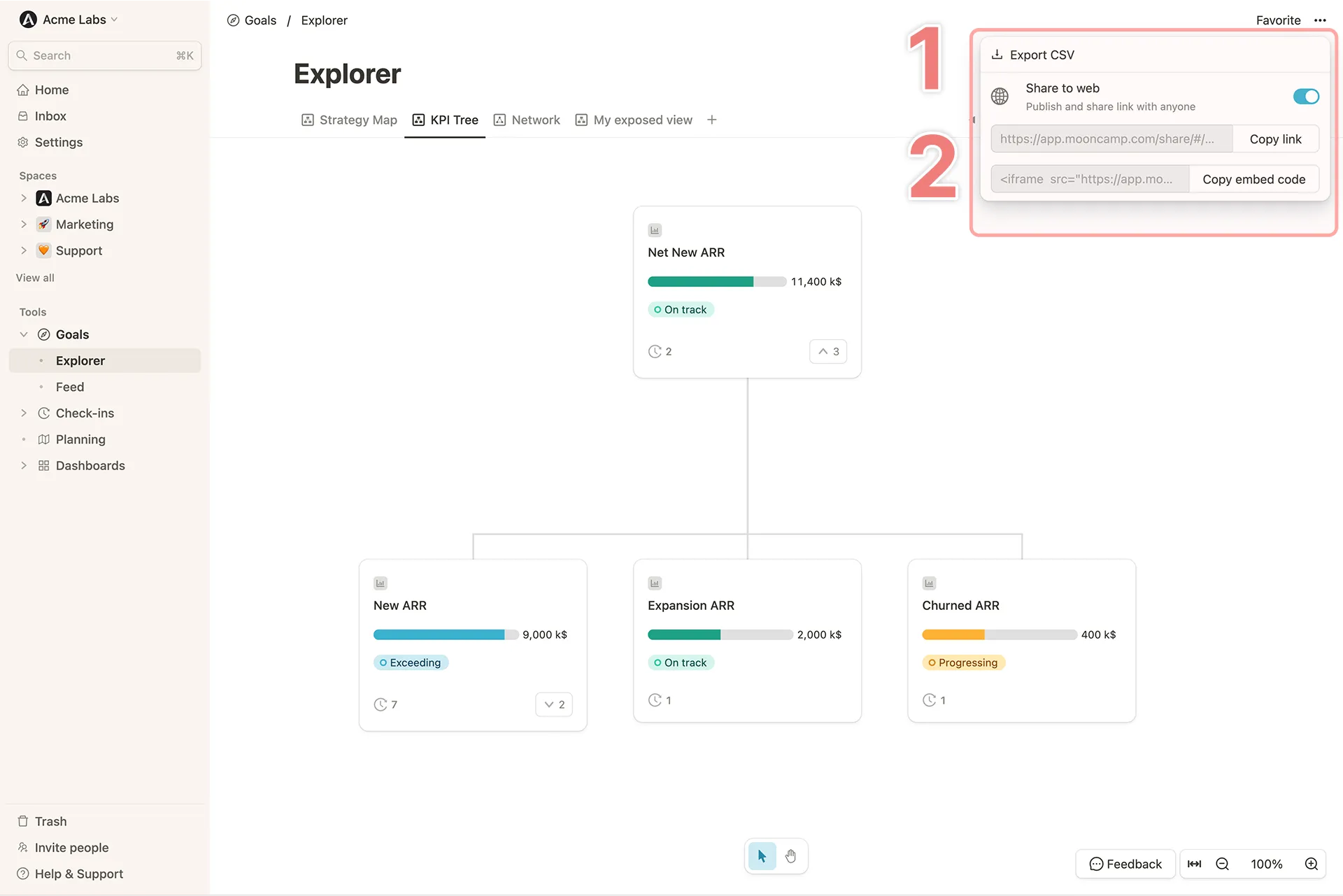
In the Goal Explorer you can explore goals in different views (e.g. cascade or network), apply filters, and save your own views.
### Goal Explorer
In the Goal Explorer you can explore goals in different views (e.g. cascade or network), apply filters, and save your own views.