> ## Documentation Index
> Fetch the complete documentation index at: https://mooncamp.com/docs/llms.txt
> Use this file to discover all available pages before exploring further.
# Managing Employees
> Adding and managing employees in Mooncamp
As an admin, you can add new employees (members) to your workspace or edit existing ones under `Settings > Members`.
On the member management page you can:
* Add members manually
* Add multiple members via CSV import or export multiple members via CSV export
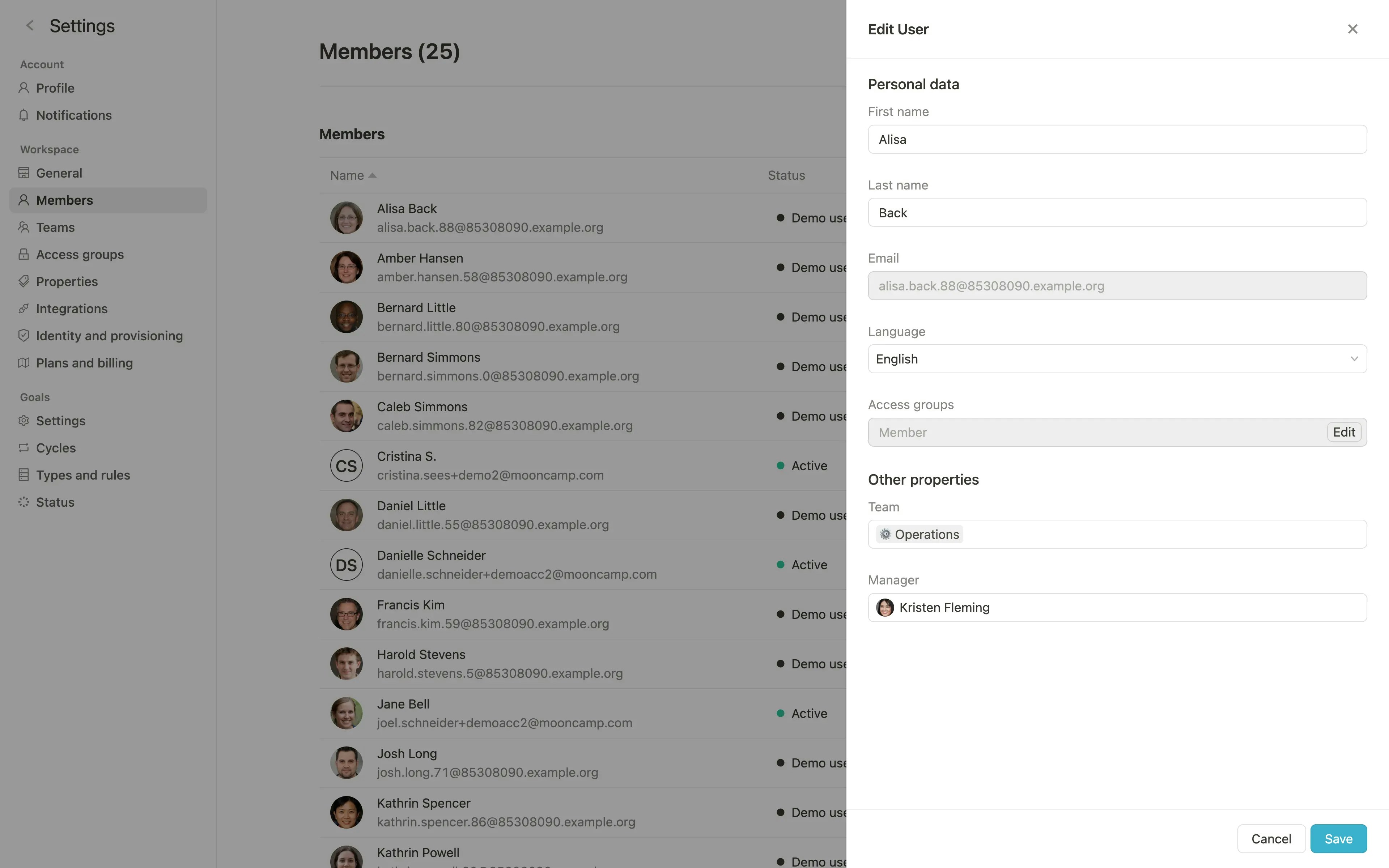
* Edit member information (name, email, language, ...)
* Delete members from Mooncamp
* Send invitations to Mooncamp to individual members by email
## Add members manually
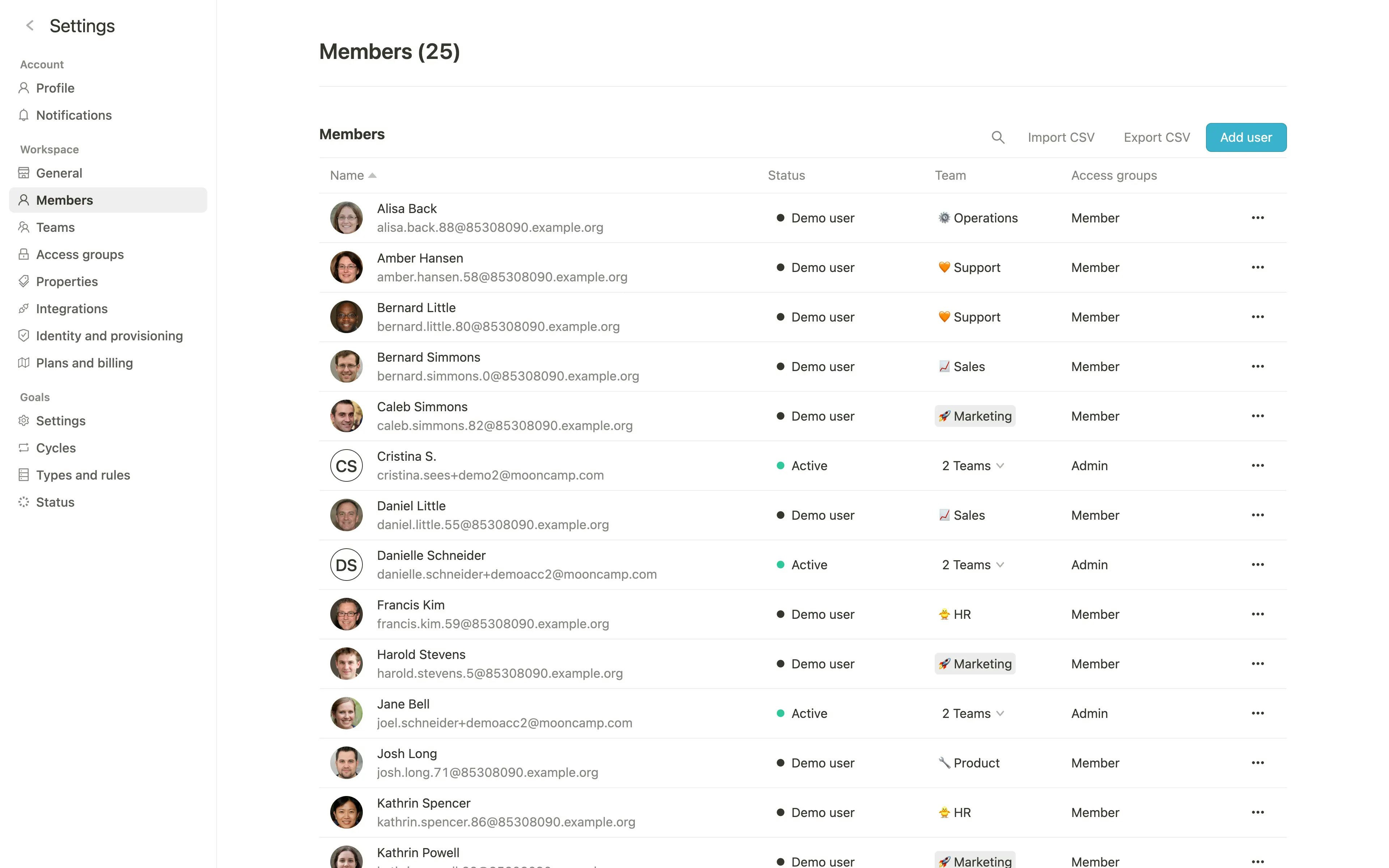 By clicking on `Add user` you can create a new user and specify name, email, account language, and any other custom properties you have created.
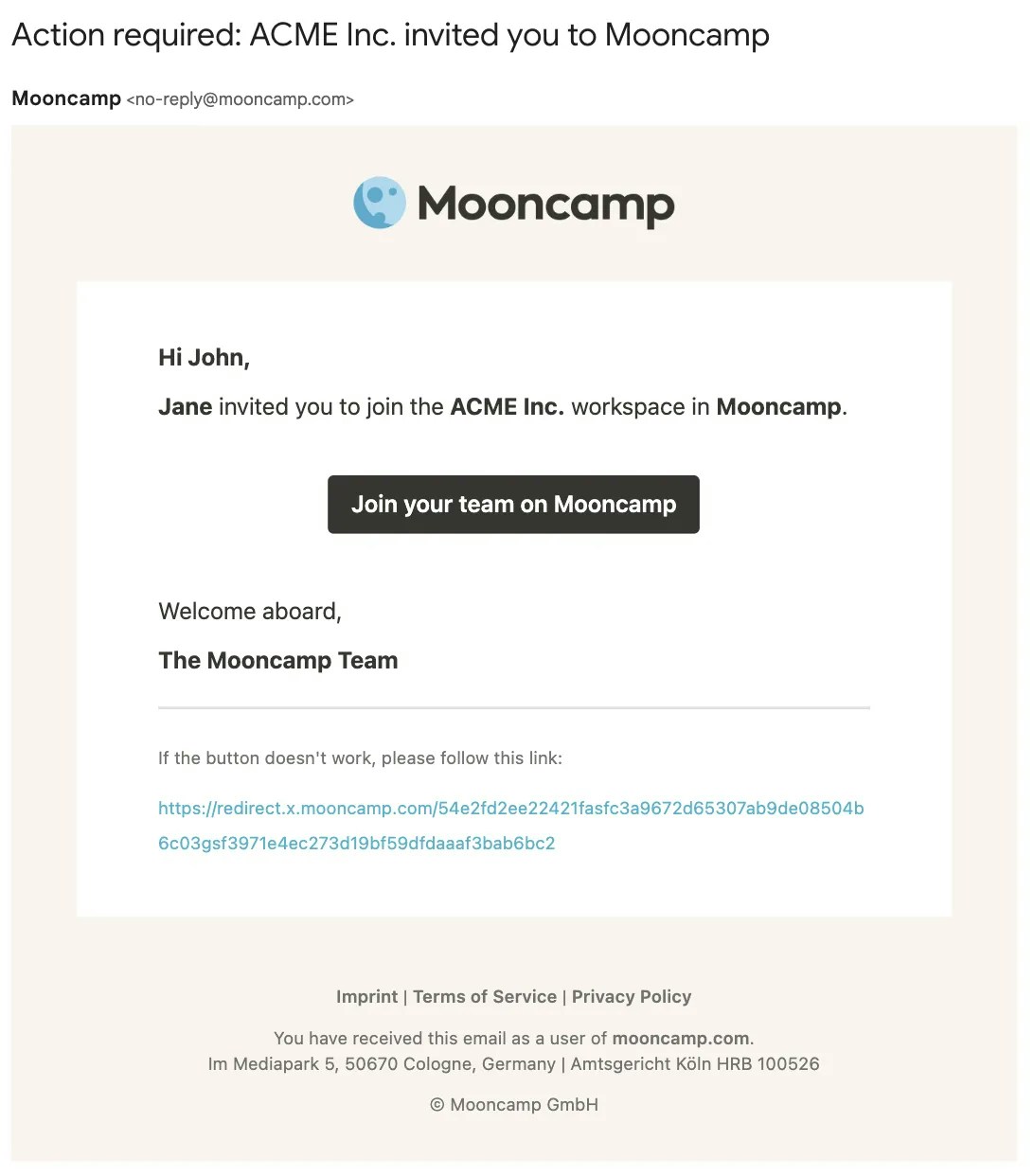
 If you check the box `Send invitation email` when adding a new member, the member will receive an invitation via email.
 ## Import members via CSV
By clicking on `Import CSV` you can upload a CSV file (Comma Separated Value) with all members. Here you can also download a CSV file as a template.
For each new row in the CSV file a new member will be added.
## Invite-Link
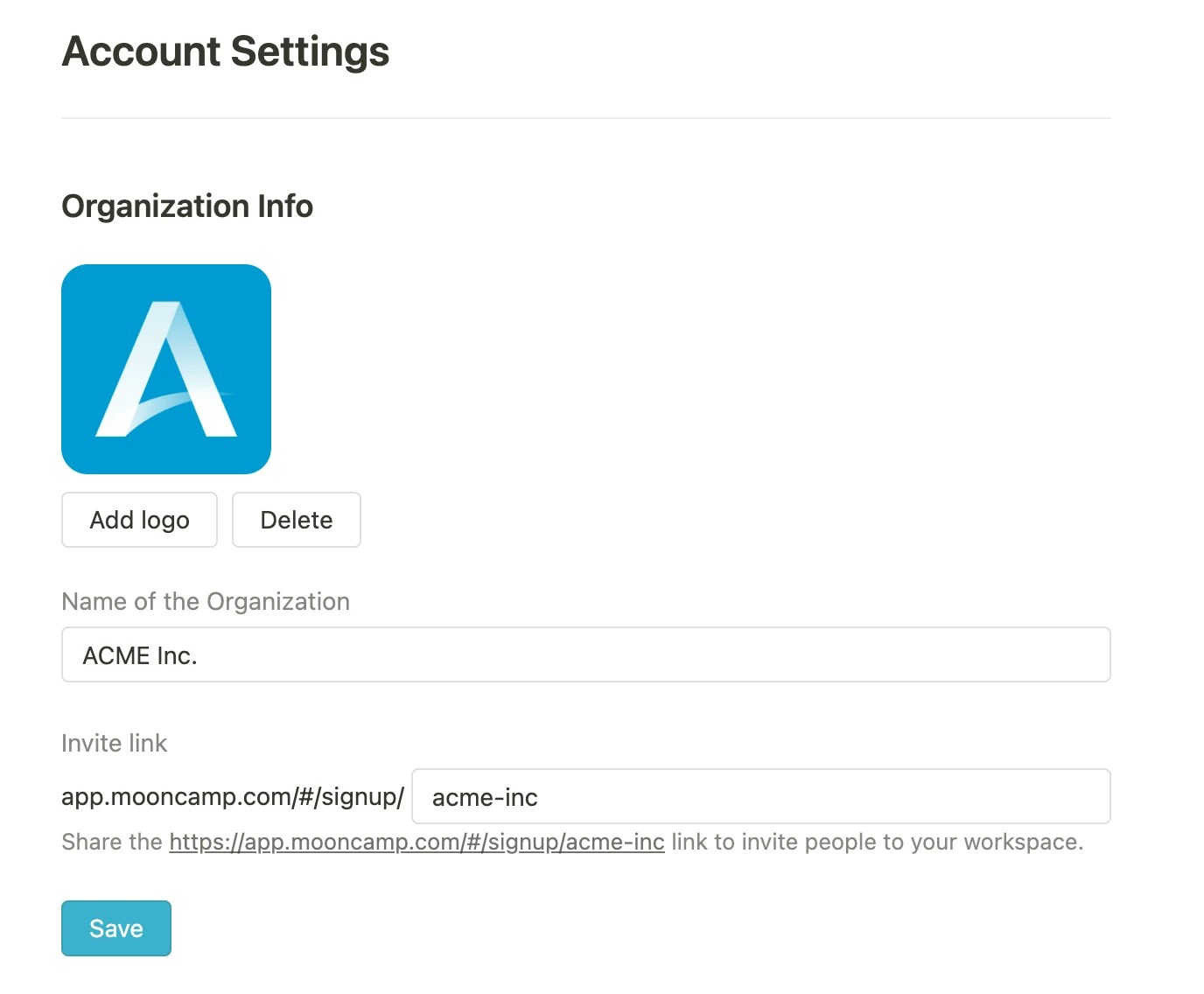
Once all members have successfully been added, you can use the invite-link to collectively invite existing users to Mooncamp. The link is located under `Settings > General` and can be copied there. Members can easily register using the link; an important requirement for this is that they have already been created within Mooncamp under `Settings > Members`.
## Import members via CSV
By clicking on `Import CSV` you can upload a CSV file (Comma Separated Value) with all members. Here you can also download a CSV file as a template.
For each new row in the CSV file a new member will be added.
## Invite-Link
Once all members have successfully been added, you can use the invite-link to collectively invite existing users to Mooncamp. The link is located under `Settings > General` and can be copied there. Members can easily register using the link; an important requirement for this is that they have already been created within Mooncamp under `Settings > Members`.