> ## Documentation Index
> Fetch the complete documentation index at: https://mooncamp.com/docs/llms.txt
> Use this file to discover all available pages before exploring further.
# Notifications
> Choose through which channels and for which events you would like to receive Mooncamp message
Under *Settings > Notifications*, you can set for yourself which channels you want to be notified on and which events you want to receive notifications about.
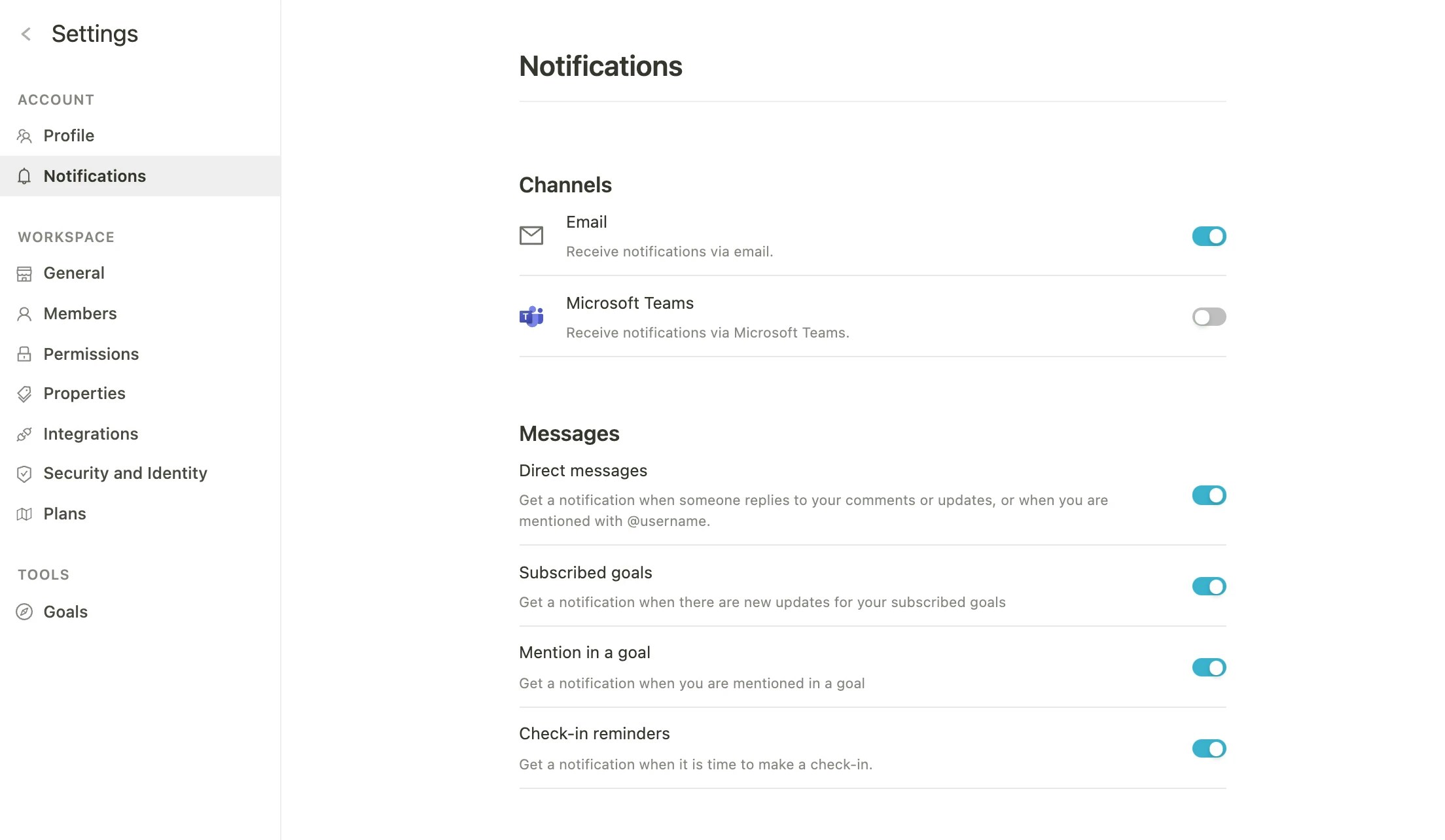 ### Channels:
* Email
* Slack (integration must be enabled first)
* Microsoft Teams (integration must be enabled first)
In addition to these external channels, you will also receive personal notifications via the inbox within the Mooncamp platform.
### Notifications:
* **Direct messages**: Get a notification when someone replies to your comments or update, or mentions you with @username.
* **Updates on goals**: Get a notification when a goal you're subscribed to is updated.
* **Assignments on goals**: Receive a notification when you are assigned to a goal.
* **Reminder for check-ins**: Receive a notification when it's time to do your check-in.
### Channels:
* Email
* Slack (integration must be enabled first)
* Microsoft Teams (integration must be enabled first)
In addition to these external channels, you will also receive personal notifications via the inbox within the Mooncamp platform.
### Notifications:
* **Direct messages**: Get a notification when someone replies to your comments or update, or mentions you with @username.
* **Updates on goals**: Get a notification when a goal you're subscribed to is updated.
* **Assignments on goals**: Receive a notification when you are assigned to a goal.
* **Reminder for check-ins**: Receive a notification when it's time to do your check-in.