> ## Documentation Index
> Fetch the complete documentation index at: https://mooncamp.com/docs/llms.txt
> Use this file to discover all available pages before exploring further.
# How to Update a Goal
> Different ways of updating goals
You can update the progress of your goals directly within Mooncamp or via our Slack or Microsoft Teams integration.
### Update progress of goals in Mooncamp
There are several ways to update goals.
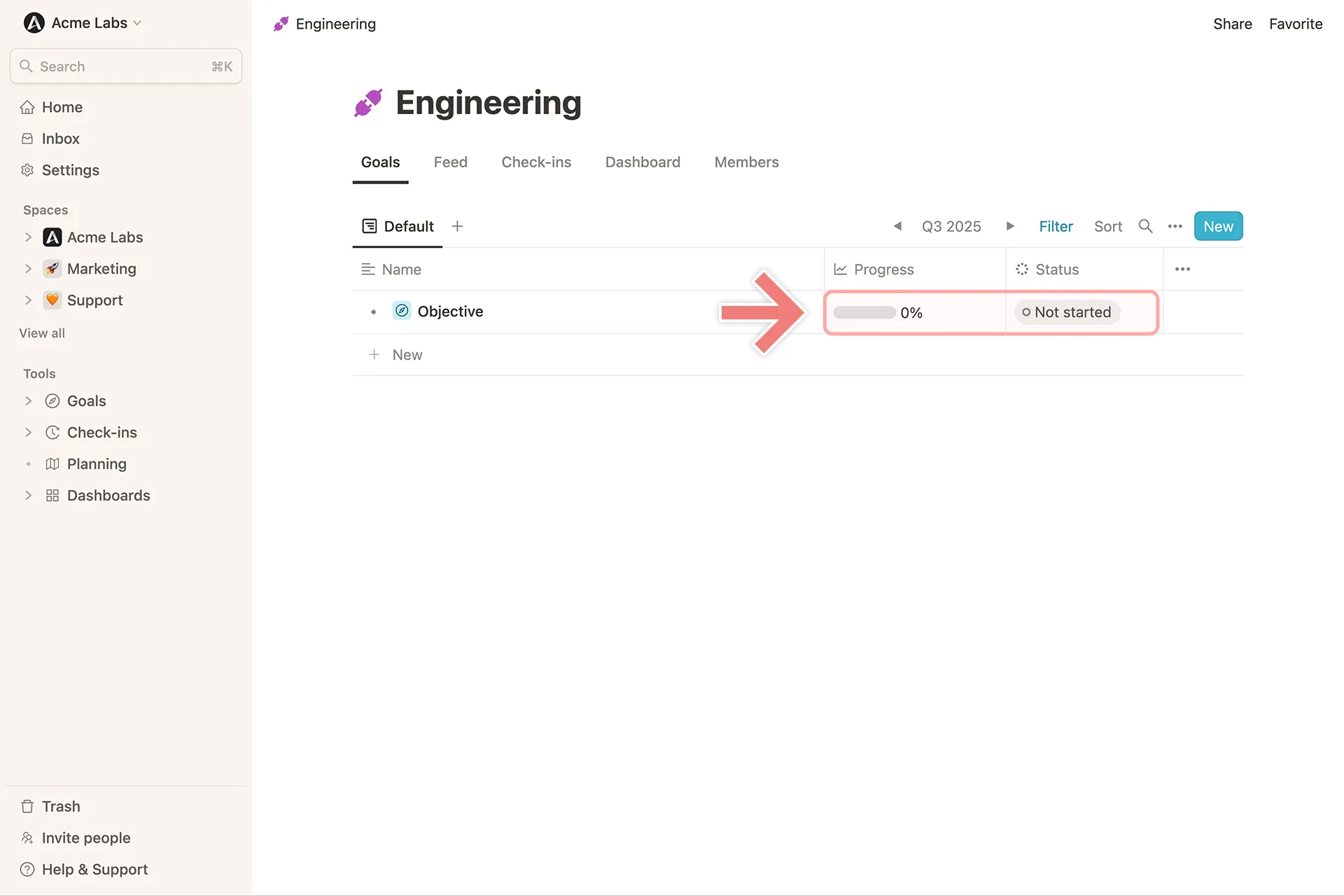
**1. Directly from the cascade view**
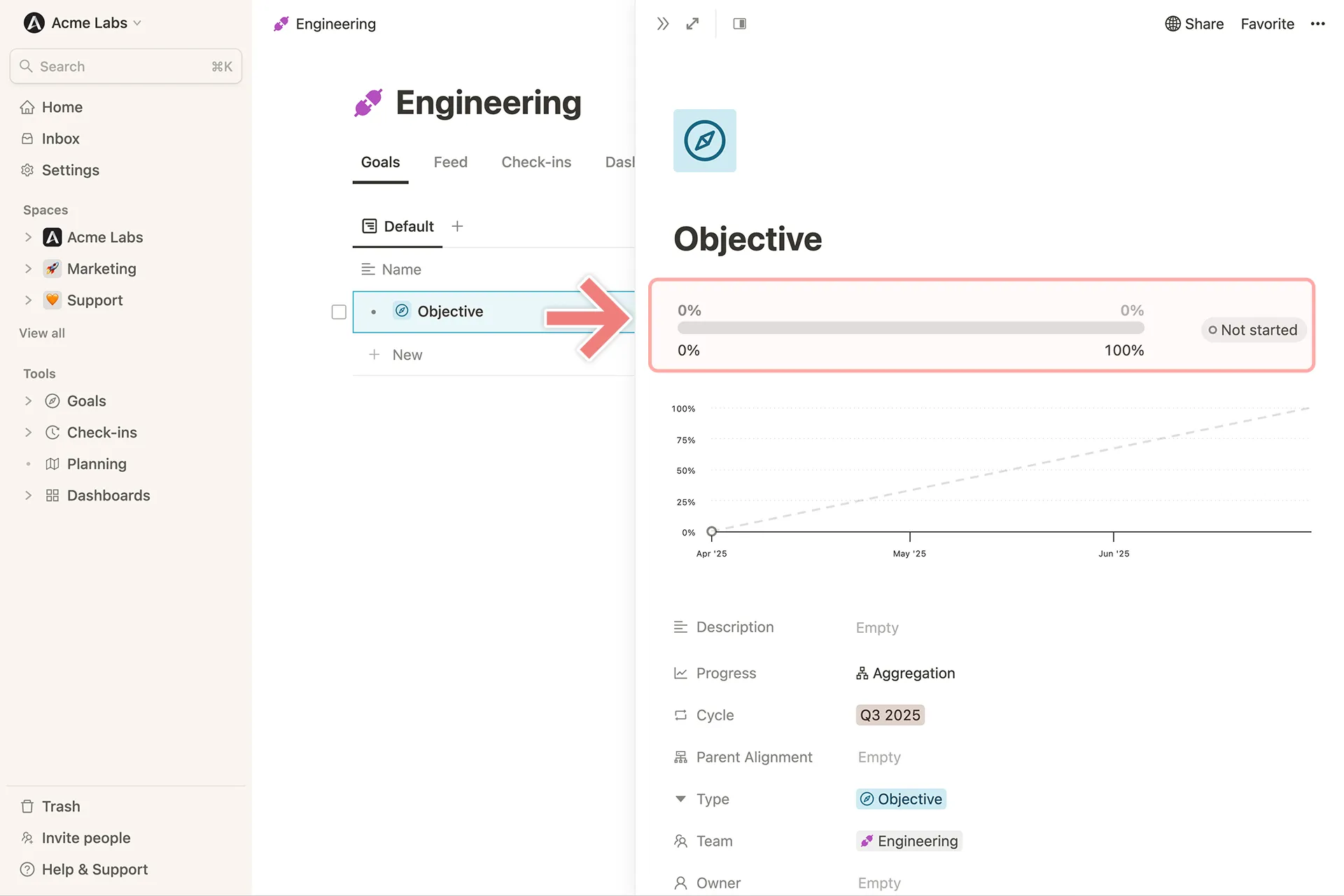
 **2. Progress bar on the detail view of the goal**
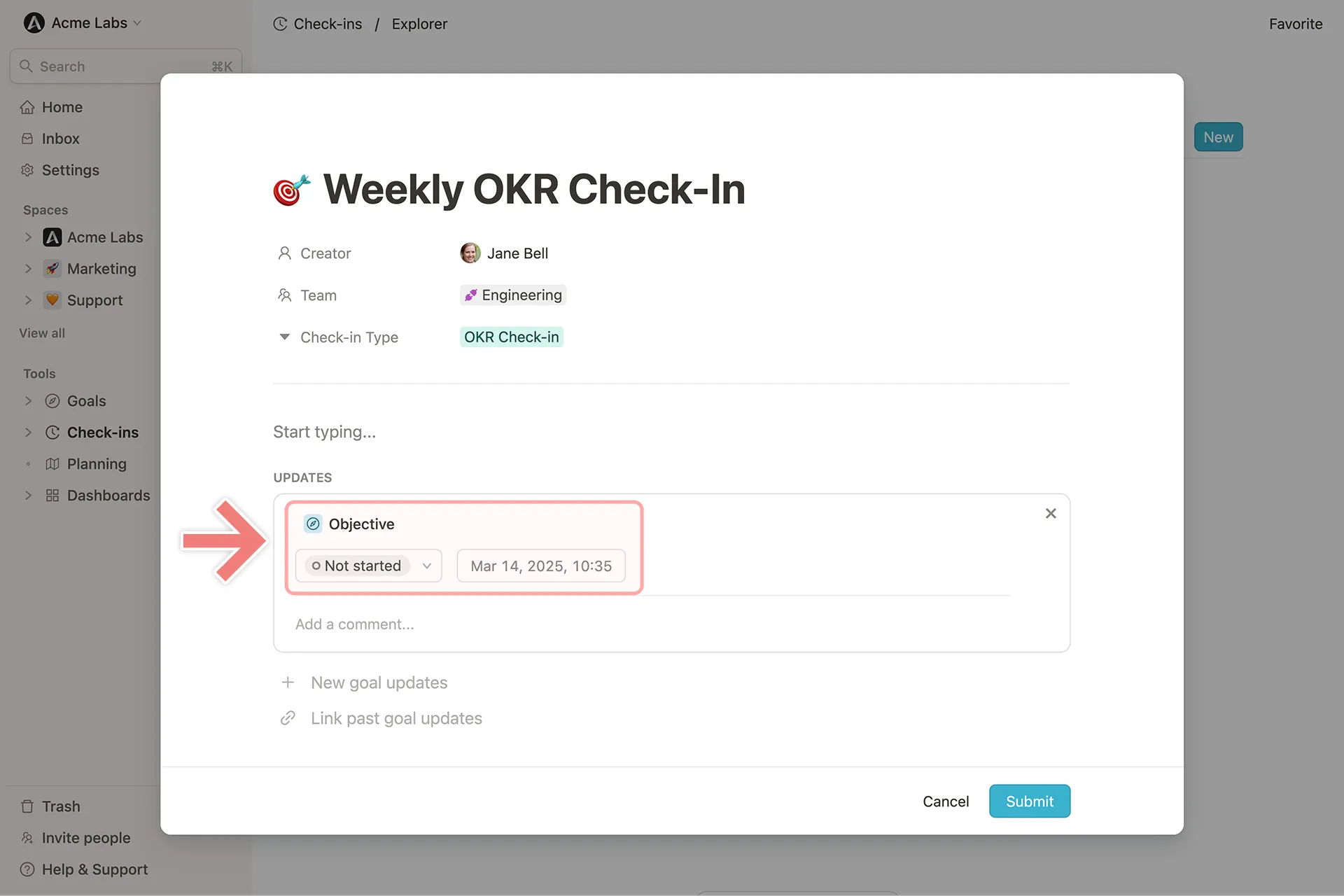
 **3. On a check-in**
 ### Update Progress of Goals in Microsoft Teams
If you have the Microsoft Teams integration enabled, you can update goals in the same ways as described above.
In addition, within the **Mooncamp chatbot**, you can enter `goals` to view all goals assigned to you and update them directly in the chat.
### Update Progress of Goals in Slack
If you have the Slack integration enabled, you can access and update your goals in the Mooncamp Slack bot using the `/mooncamp goals` command.
### Update Progress of Goals in Microsoft Teams
If you have the Microsoft Teams integration enabled, you can update goals in the same ways as described above.
In addition, within the **Mooncamp chatbot**, you can enter `goals` to view all goals assigned to you and update them directly in the chat.
### Update Progress of Goals in Slack
If you have the Slack integration enabled, you can access and update your goals in the Mooncamp Slack bot using the `/mooncamp goals` command.